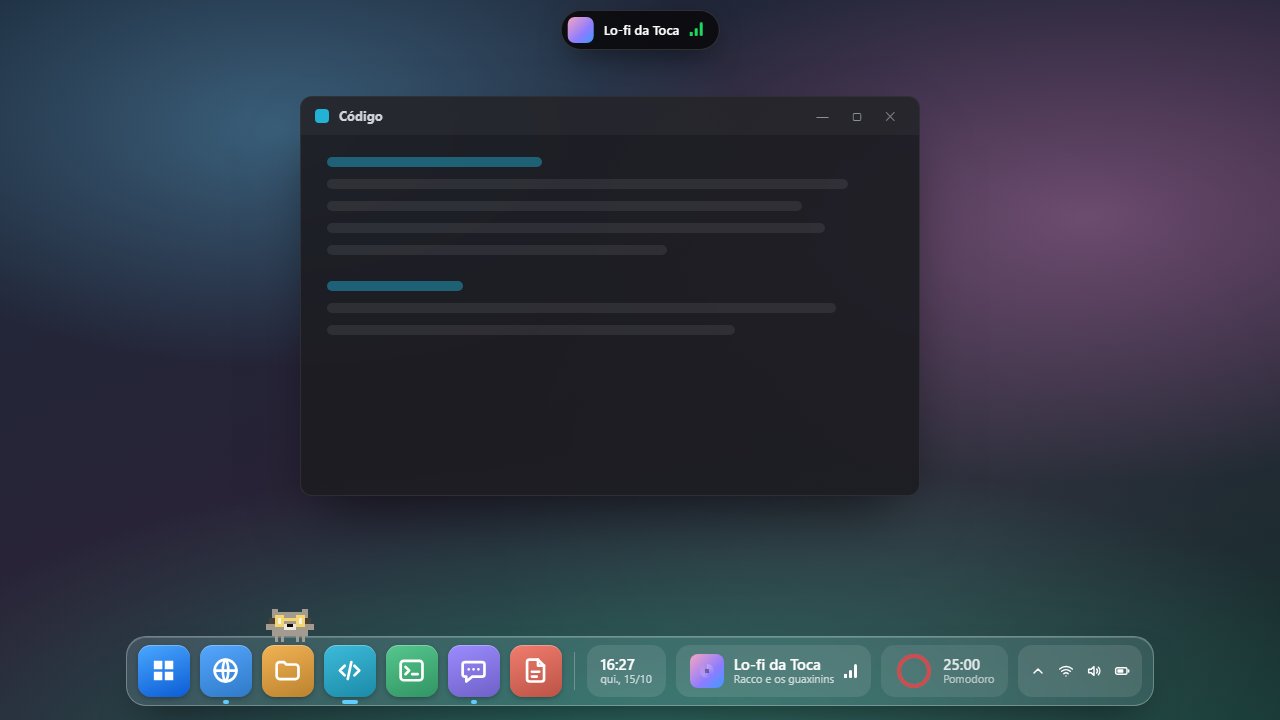
Current version
Toca 0.5.0 Oct 16, 2026
Toca's biggest update yet: it speaks English, gets 19 new widgets and a theme for every season, and it's much lighter.
If you already have a license, you keep everything, including this version. For new buyers, the license now costs R$ 24.90, paid once, with every future update included.
- 19 new widgets: timer, countdown to a date, to-do list, drink water, month calendar, next holiday, app collection, file shelf, screenshots, bookmarks, clipboard history, world clock, exchange rates, microphone, network speed, disk, battery, light/dark mode and lock for cleaning. They're in Settings › Widgets.
- Weather and GitHub for everyone: the weather comes from the city you pick, and GitHub connects right from the widget, with a code you approve on GitHub's site.
- A theme for every season: Haunted Night and Candy Corn for Halloween, Snowy Night and Candy Cane for Christmas, plus the new June Festival, Carnival, Easter and New Year's seasons, each with an accessory for the Racco. There are also four new year-round themes: Crystal, Sunset, Forest and Ocean.
- Lighter: Toca pauses almost everything while the screen is locked, the monitor is off or the dock is hidden, and swaps repeated checks for Windows notifications.
- Toca in English: the app, the installer and the e-mails. It follows your Windows language, or you can pick one in Settings › General.
- New Settings: 12 pages, a settings search and widgets by category, each with a live preview of how it looks on the dock, plus a Remove button.
- Refer a friend: in Settings › License you get an invite link. Your friend pays R$ 19.90, and when the first one buys, the Racco gets an exclusive royal crown.
- Buying from outside Brazil: the purchase page has a new "Outside Brazil" tab to request your license by e-mail.